From capture to execution
Start with a rough ask and end with an ordered task, deadline, subtasks, and follow-up cadence.
Lightwork turns loose asks, release notes, bugs, and follow-ups into a private execution system with priority, deadlines, reminders, GitHub context, and calendar awareness.
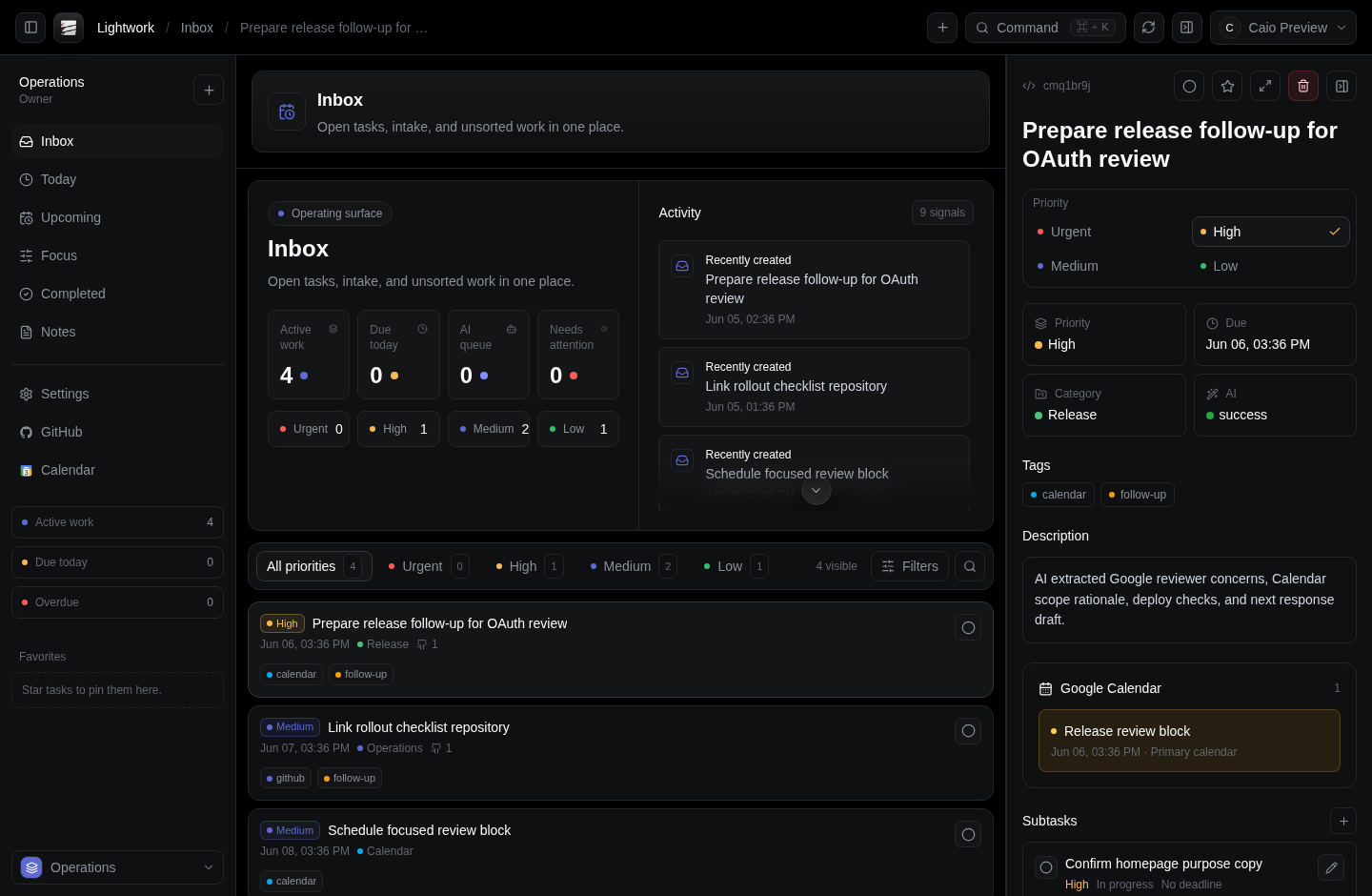
Designed for fast capture, dense review, and private execution when work arrives faster than a board can absorb it.
Start with a rough ask and end with an ordered task, deadline, subtasks, and follow-up cadence.
Original notes, repository links, labels, and calendar signals stay attached to the work.
Due dates, reminders, and follow-ups stay in front of the operator until the work is closed.
A focused workspace for approved users, with a calm public entry point and a protected app surface.
The interface stays compact while AI and integrations do the heavy lifting behind every task.
Drop a demand into the intake composer and keep moving. Lightwork preserves the original text while AI turns it into structured work.
GitHub links, tags, categories, subtasks, and notes create a task record that can be inspected without losing the reason behind it.
Calendar awareness, reminders, email, and push notifications keep the next action visible when work gets noisy.
Capture the demand once. Lightwork structures the rest.
Each demand keeps its source text, AI structure, integration context, and reminder plan attached as it moves through the workspace.
Paste any demand, meeting notes, bug reports, client requests, or loose ideas, into the compact intake composer.
Grok reads your demand and returns structured output: title, description, category, tags, priority, subtasks, due dates, and follow-ups.
Reminders, email alerts, push notifications, and linked GitHub issues keep every next action visible until it's done.
Lightwork pulls useful context from developer and calendar workflows while keeping the operator's surface compact.
When connected, Lightwork reads selected calendars and events to check availability, detect conflicts, ground deadlines, and create task-linked focus blocks.
Reference repositories and issues so AI can plan work with relevant technical context.
Receive due, overdue, and follow-up reminders from schedules created inside the workspace.
Every demand structured. Every deadline tracked. Every follow-up scheduled.
Log in to Lightwork